


Best AI Coding Tools in 2026: Top 10 Compared
Choosing an AI coding tool in 2026 is no longer a question of “should I use one” — it’s a question of which one, for which job, at what price. The market has consolidated and reshuffled hard this year: Google folded its individual Gemini Code Assist tier into a new agent platform called Antigravity, Amazon is retiring Q Developer in favor of a rewritten IDE called Kiro, Windsurf was absorbed into Cognition and rebranded Devin Desktop, and Cursor’s parent company Anysphere acquired Continue.dev outright and shut it down. If you’re comparing tools based on a roundup from even six months ago, some of what you read is already wrong.
This guide evaluates the AI coding tools that are genuinely competitive for developers in August 2026, based on their documented capabilities, current pricing, supported workflows, and how they fit different kinds of development work. We did not run a standardized benchmark suite across all ten tools — where a specific benchmark score or independent test result is cited, we’ve flagged the source. Everywhere else, this is a comparison of what each product currently ships, what it costs, and who it makes sense for.
TL;DR: Key Takeaways
➜ Cursor is the best overall AI coding tool for most developers because it offers strong codebase understanding, multi-file agent editing, and access to multiple leading AI models.
➜ Claude Code is best for large and complex codebases thanks to its huge context window and strong performance on long, multi-step coding tasks.
➜ GitHub Copilot is the easiest option for developers who do not want to switch editors, especially those already working heavily inside GitHub and VS Code.
➜ Google Antigravity and Cline are the strongest lower-cost choices, with Antigravity offering a capable free experience and Cline giving open-source flexibility.
➜ Pricing is less predictable in 2026 because many AI coding tools now use credits, tokens, or usage-based limits on top of monthly plans.
➜ The best tool depends on your workflow — Cursor suits editor-based users, Claude Code suits deep codebase work, Replit is great for beginners, and Tabnine is better for privacy-sensitive teams.
Best AI Coding Assistants in 2026 at a Glance
| Tool | Best For | Key Strength | Pricing | Free Plan | Platforms |
|---|---|---|---|---|---|
| Cursor | Best overall | Deep codebase context, multi-model agent editor | $0–$200/mo individual; $40/user teams | Yes (Hobby) | Standalone editor (VS Code fork), macOS/Windows/Linux |
| GitHub Copilot | Best for VS Code loyalists | Lowest switching cost, native GitHub integration | $0–$100/mo individual; $19–$39/user org | Yes (limited) | VS Code, JetBrains, Visual Studio, Xcode, Neovim, GitHub.com |
| Claude Code | Best for agentic coding & large codebases | 1M-token context, strong multi-file reasoning | $20–$200/mo via Claude plans; API pay-per-token | Limited (Free Claude plan) | Terminal/CLI, IDE extensions, API |
| Google Antigravity | Best free option | Free agent-first IDE with multi-model choice | Free for individuals; higher limits via Google AI Pro/Ultra | Yes | Standalone desktop app, VS Code-based IDE, CLI, SDK |
| Devin Desktop (formerly Windsurf) | Best for autonomous multi-file agents | Cascade agent, 40+ IDE integrations | $0–$200/mo; $40/user Teams | Yes | VS Code fork plus 40+ IDE plugins |
| OpenAI Codex | Best for ChatGPT-centric teams | Cloud sandbox agent that works unattended | Bundled in ChatGPT: $0–$200/mo; Business from ~$20–25/user | Yes (limited) | CLI, VS Code extension, web, iOS, Business/Enterprise |
| Cline | Best free open-source option | Transparent, approval-gated agent; any model | Free (extension); you pay your model provider | Yes (fully free core) | VS Code extension, CLI, SDK |
| Amazon Q Developer → Kiro | Best for AWS-native teams | Spec-driven development, deep AWS integration | Free tier; Kiro Pro ~$19–20/mo | Yes | VS Code-based IDE (Kiro), IDE plugins (legacy Q Developer) |
| Tabnine | Best for privacy & regulated industries | Zero data retention, on-prem/air-gapped deployment | $39–$59/user/mo, annual billing only | No | VS Code, JetBrains, Eclipse, Visual Studio |
| Replit | Best for beginners & full-app building | Browser IDE, one-click hosting, no local setup | $0–$100/mo | Yes | Browser-based, mobile app |
Prices reflect published list rates as of August 2026 and are subject to change; usage-based add-ons (credits, tokens, compute) can push real costs above the sticker price. Confirm current numbers on each vendor’s pricing page before budgeting.
Quick Answer:
Cursor is our best overall AI coding tool for 2026, while Claude Code is particularly strong for large and complex codebases. GitHub Copilot is a practical choice for developers who want to stay in their existing editor. Google Antigravity and Cline stand out for lower-cost use, while Replit is particularly suitable for beginners.
Our Top Picks
-
- Best Overall: Cursor
- Best for VS Code Loyalists: GitHub Copilot
- Best for Agentic Coding & Large Codebases: Claude Code
- Best Free Option: Google Antigravity
- Best for Beginners: Replit
- Best for Teams: GitHub Copilot Business/Enterprise
- Best Value: Cline
- Best for Privacy-Sensitive Work: Tabnine
How We Weighted the Criteria
-
-
- Codebase understanding and context handling. A tool that can only see the open file is a much weaker assistant than one that can reason across an entire repository. This is where context-window size and retrieval quality matter most.
- Agentic reliability. Nearly every tool now offers some version of “agent mode” that edits multiple files and runs terminal commands. The real differentiator is how often that agent does the right thing without supervision, and how easy it is to review what it did before committing.
- Pricing predictability. 2026 has been the year of credit-based billing. Several major tools (GitHub Copilot, Cursor, OpenAI Codex) moved away from flat monthly fees toward token- or credit-metered usage layered under a subscription. That’s not inherently bad, but it means the advertised price is a floor, not a ceiling, and it changes how tools should be compared.
-
IDE integration, language support, and enterprise controls (SSO, audit logs, IP indemnity) matter too, and are covered in each tool’s breakdown below, but they tend to be table stakes rather than differentiators among the major players.
1. Cursor — Best Overall
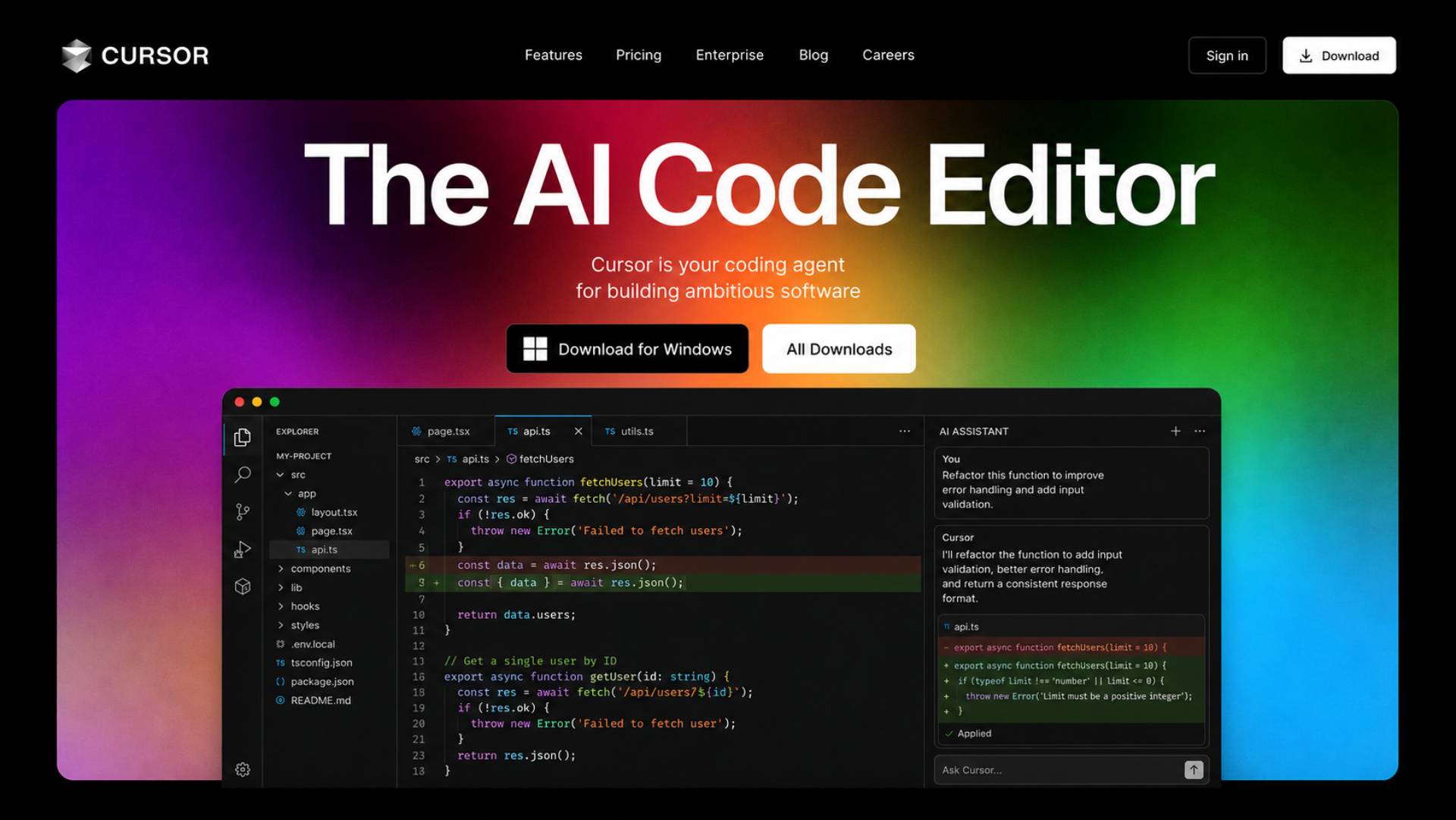
The Cursor AI Coding Tool stands out for codebase-aware editing, multi-file agent workflows, and the ability to choose between leading models from Anthropic, OpenAI, and Google. letting you choose per-task or let “Auto” mode pick a cost-efficient default. By early 2026, Anysphere reported crossing $2 billion in annualized revenue with more than a million paying subscribers, making Cursor one of the most widely adopted AI-first editors on the market.
What it does best
Cursor’s core strength is codebase-aware chat and multi-file agent edits. Its Agent mode can plan and execute changes across many files in one pass, and “Max mode” expands the context window for reasoning over larger portions of a codebase at once.
Key features
-
-
- Tab-based inline completions plus chat that understands the whole repository
- Agent mode for autonomous multi-step, multi-file changes
- Model choice across Claude, GPT, Gemini, and other frontier models
- Background agents and automated PR review (BugBot)
- Privacy mode that excludes code from training
-
Strengths
-
-
- Deep, consistent codebase context across large projects
- Freedom to pick the best model for a given task rather than being locked to one vendor
- Fast iteration cycle for agentic multi-file refactors
-
Weaknesses
-
-
- Standalone editor only — it does not work as a plugin inside JetBrains, Neovim, or other IDEs, so switching means leaving your current setup
- Credit-based billing (in effect since June 2025) means the $20 Pro plan’s real capacity depends on which models you select, and heavy users of premium models can burn through the included allowance quickly
- Roughly double GitHub Copilot’s entry price for individuals
-
Pricing
Six tiers: Hobby (free, limited), Pro ($20/month), Pro+ ($60/month), Ultra ($200/month), Teams ($40/user/month), and Enterprise (custom). Paid plans include a credit pool sized to the plan price; “Auto” mode usage is unlimited, while manually selecting a premium model draws down credits. Annual billing generally saves around 20%.
Best for
Developers doing heavy multi-file, agent-driven work who want model flexibility and are willing to pay a premium for it — especially those working in large, established codebases.
Not ideal for
Developers who want to keep their current IDE (JetBrains, Neovim, Visual Studio) rather than switch editors, or anyone on a tight budget who would rather pay a flat, predictable fee.
Our verdict
Cursor earns the top spot on strength of its codebase reasoning and multi-model flexibility, not because it’s the cheapest or the simplest. If you’re willing to adopt a new editor and pay a credit-metered premium, it’s currently the most capable general-purpose AI coding environment available.
2. GitHub Copilot — Best for VS Code Loyalists
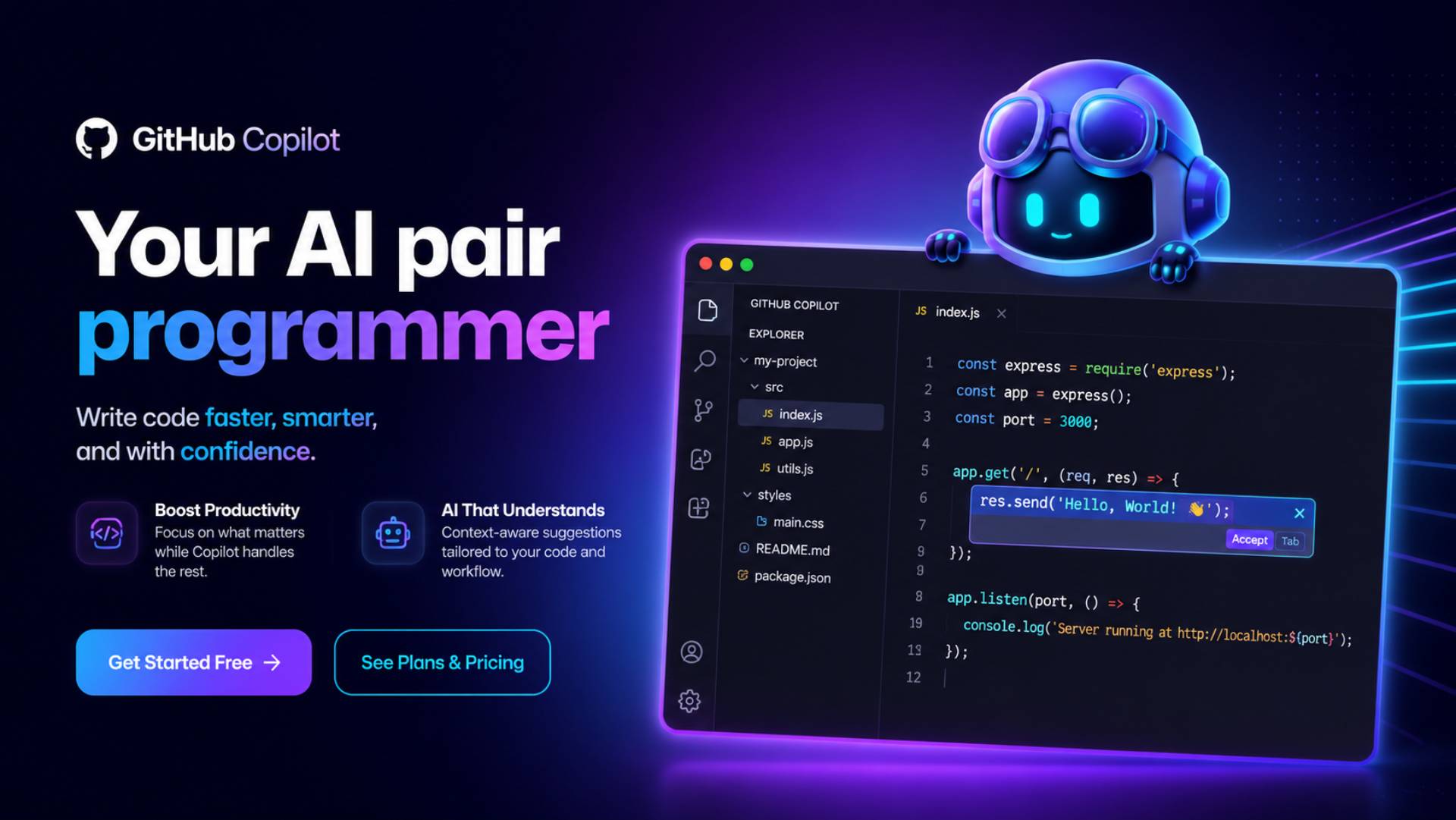
GitHub Copilot is Microsoft’s AI pair programmer, built into VS Code, JetBrains IDEs, Visual Studio, Xcode, Neovim, and GitHub.com itself. Its core advantage isn’t raw capability — it’s that it meets developers exactly where they already work, without asking anyone to switch editors.
What it does best
Copilot’s agent mode now handles straightforward multi-file tasks reasonably well, and its native GitHub integration — pull request summaries, code review, and repository-aware chat on GitHub.com — is unmatched by editor-only competitors.
Key features
-
-
- Inline completions and chat across a wide range of supported editors
- Agent mode for multi-file edits and terminal commands
- Coding agent that can be assigned GitHub issues and open its own pull requests
- Business and Enterprise tiers with policy management and content exclusion
- Access to multiple model families, not just OpenAI’s
-
Strengths
-
-
- Works inside the editor you already use — zero switching cost
- Deepest native integration with GitHub itself (PRs, issues, Actions)
- Business tier includes a contractual guarantee that GitHub does not train on customer code
-
Weaknesses
-
-
- On June 1, 2026, GitHub moved every plan to usage-based “AI Credits” billing, metered by token consumption rather than flat request counts — several developers reported bill increases after the switch, particularly on heavier agentic workloads
- Its multi-file agent capability, while improved, still generally trails Cursor’s and Claude Code’s on complex refactors
- Enterprise tier requires GitHub Enterprise Cloud as a prerequisite, which adds cost beyond the advertised per-seat Copilot price
-
Pricing
Individual: Free (limited completions and chat), Pro ($10/month), Pro+ ($39/month), Max ($100/month). Organization: Business ($19/user/month, includes $19 in monthly AI Credits) and Enterprise ($39/user/month, includes $39 in AI Credits, requires GitHub Enterprise Cloud). Through August 2026, GitHub is running a promotional credit boost for existing Business and Enterprise customers as they transition to the new billing model.
Best for
Individual developers and teams already standardized on GitHub who want AI assistance without changing their editor, and organizations that want AI review integrated directly into their existing pull-request workflow.
Not ideal for
Developers who want the strongest possible agentic, multi-file reasoning available today — Cursor and Claude Code are generally regarded as stronger on that front — or teams that want simple, flat per-seat pricing without a metered credit layer.
Our verdict
Copilot remains the easiest, lowest-friction way to add AI assistance to an existing workflow, and its GitHub-native features are genuinely differentiated. The June 2026 shift to credit billing removes some of its historical price-predictability advantage, so budget-conscious teams should model real usage before assuming the sticker price is what they’ll pay.
3. Claude Code — Best for Agentic Coding & Large Codebases
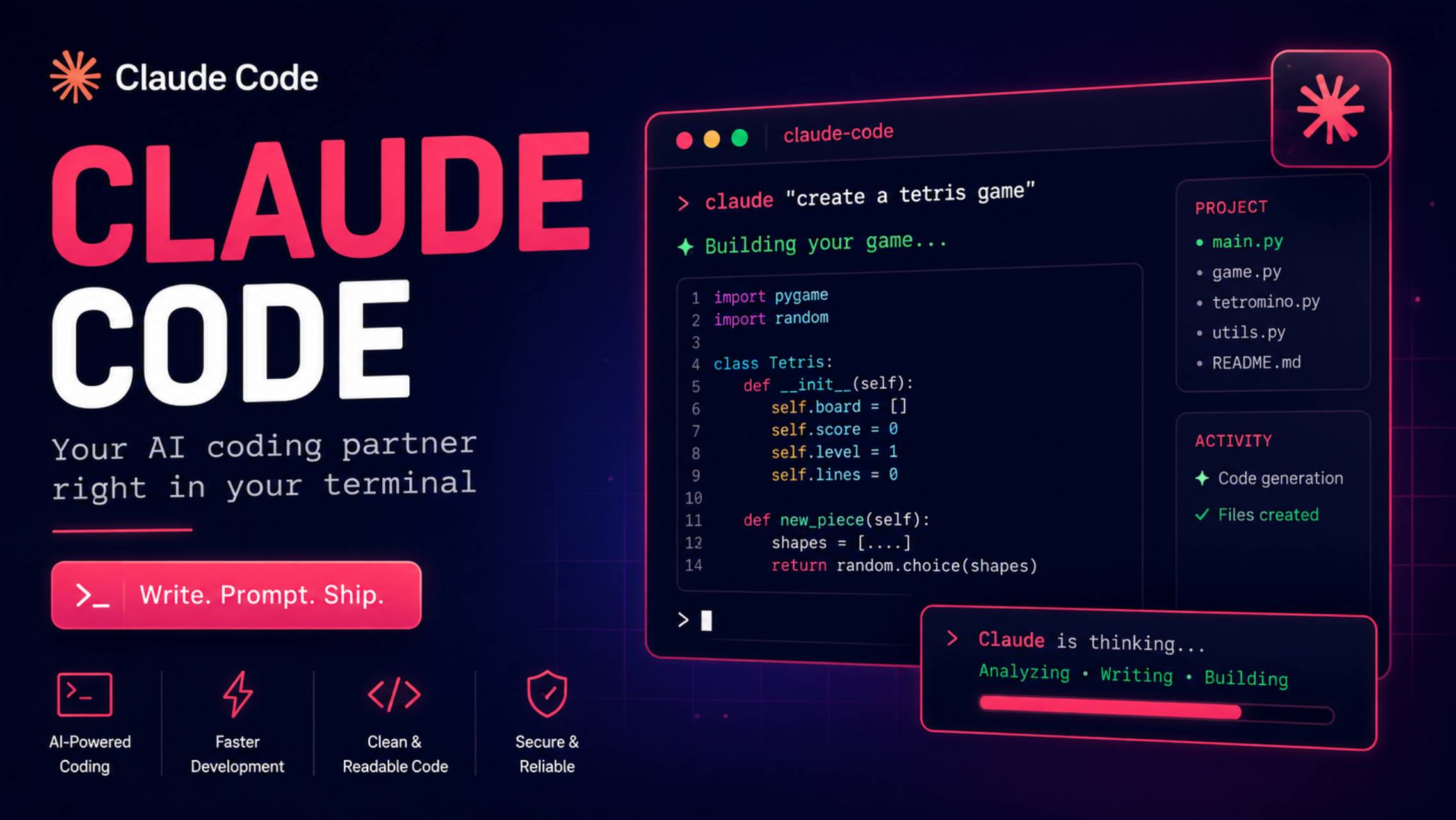
Claude Code is Anthropic’s terminal-based coding agent, bundled into Claude subscription plans rather than sold as a standalone product. It also ships as IDE extensions and is accessible through the Claude API for programmatic and CI/CD use. Its defining feature is a 1-million-token context window (generally available since March 2026), which lets it hold an entire monorepo or a large chunk of documentation in a single session.
What it does best
Claude Code is built for long-horizon, agentic tasks: large-scale refactors, framework migrations, comprehensive test generation, and reasoning about unfamiliar codebases without the developer manually curating which files to load into context.
Key features
-
-
- 1M-token context window for holding large codebases in a single session
- Terminal-native CLI plus IDE extensions
- Access to Anthropic’s full model lineup (Opus for the hardest agentic tasks, Sonnet for a balance of speed and capability, Haiku for fast, low-cost runs)
- “Extra usage” toggle that lets paid plans continue at metered API rates instead of hard-stopping at the plan limit
- Team and Enterprise tiers with SSO, custom data retention, and (on Enterprise) a 500K context window with HIPAA readiness
-
Strengths
-
-
- Context handling is a genuine differentiator on large, unfamiliar, or legacy codebases
- Strong track record on autonomous, multi-step engineering tasks with less manual context management
- Flexible access: subscription for predictable cost, or pay-per-token API for automation and CI/CD
-
Weaknesses
-
-
- Not sold as a standalone product — you’re buying a Claude plan, and Claude Code shares its usage pool with the Claude chat apps
- Team pricing is unusual: Claude Code is only included on Premium seats ($100–125/seat/month with a 5-seat minimum), not on cheaper Standard team seats
- Rate limits and version-to-version behavior have shifted more than once in 2026; some releases have consumed usage windows faster than prior versions, so teams should pin CLI versions in CI rather than auto-updating
-
Pricing
Pro: $20/month ($17/month billed annually). Max 5x: $100/month. Max 20x: $200/month. Team Premium (includes Claude Code): $100/seat/month annual, $125/seat monthly, 5-seat minimum. Team Standard seats do not include Claude Code. Enterprise: custom, via Anthropic sales. API: pay-per-token, with prompt caching and Batch API discounts available for cost-sensitive workloads.
Best for
Developers and teams working on large, complex, or unfamiliar codebases who need an agent that can reason across the whole project rather than a handful of open files, and anyone comfortable working from a terminal rather than a GUI-first editor.
Not ideal for
Small teams that want AI included at the cheapest seat tier — the Premium-seat requirement and 5-seat minimum make Claude Code comparatively expensive to roll out broadly — or developers who strongly prefer a graphical, in-editor experience over CLI workflows.
Our verdict
For raw agentic capability on large or messy codebases, Claude Code is consistently rated among the strongest options available, and its context-window advantage is real, not marketing. The unusual seat structure for teams is the main practical obstacle to broader adoption.
4. Google Antigravity — Best Free Option
Google Antigravity is Google’s agent-first development platform, launched in public preview in November 2025 and substantially expanded at I/O 2026. It’s the company’s replacement for its individual-tier Gemini coding tools: as of June 18, 2026, Gemini Code Assist’s IDE extensions and Gemini CLI stopped serving requests for free, Google AI Pro, and Google AI Ultra users, with Google actively migrating those developers to Antigravity and Antigravity CLI. Gemini Code Assist Standard and Enterprise, the paid organizational tiers sold through Google Cloud, were not affected and continue to operate separately.
What it does best
Antigravity is genuinely multi-model — its picker includes Gemini 3 Pro and Flash alongside Claude Sonnet and Opus, and the open-weights model GPT-OSS-120B — and its “Agent Teams” panel lets multiple sub-agents work in parallel on different parts of a task.
Key features
-
-
- Four surfaces sharing one agent harness: a standalone Antigravity 2.0 desktop app, a VS Code-based IDE, a Go-based CLI, and an SDK
- Multi-model support beyond just Google’s own models
- Browser automation alongside editor and terminal actions, letting agents test web apps directly
- Free for individuals under a metered preview quota
-
Strengths
-
-
- No-cost entry point with real agentic capability, not a stripped-down trial
- Model flexibility rare among “free” tools
- Backed by Google’s infrastructure and release cadence, with rapid iteration since launch
-
Weaknesses
-
-
- Still maturing: community reports through mid-2026 describe inconsistent performance, occasional quota errors, and at least one report of unexpected code deletion — treat it as promising rather than production-proven for critical work
- Migrating from the old Gemini Code Assist / Gemini CLI setup requires adopting new tooling, which is a real transition cost for existing users
- Enterprise-tier pricing for Antigravity itself remains largely undocumented; organizations needing governance today are better served by Gemini Code Assist Enterprise
-
Pricing
Free for individuals under a rate-limited preview quota. Higher usage rides on Google AI subscriptions: AI Pro (~$19.99/month) and AI Ultra ($99.99–$200/month, roughly 5x–20x the Pro quota). Gemini Code Assist Standard (~$19–22.80/seat/month) and Enterprise (~$45–54/seat/month) remain the separate, paid organizational products for teams on Google Cloud.
Best for
Individual developers who want a capable, free, multi-model agentic coding tool and don’t mind some rough edges, and teams already invested in Google Cloud infrastructure who want tight integration with GCP services.
Not ideal for
Teams needing proven production stability today, or organizations that specifically need the older Gemini Code Assist IDE-extension workflow — that path for individuals no longer exists and requires migration.
Our verdict
Antigravity is the most capable free AI coding tool currently available, with genuine multi-model flexibility other free tiers don’t offer. The trade-off is a platform that’s still finding its footing — worth adopting for personal projects and evaluation, worth watching closely before betting production work on it.
5. Devin Desktop (formerly Windsurf) — Best for Autonomous Multi-File Agents
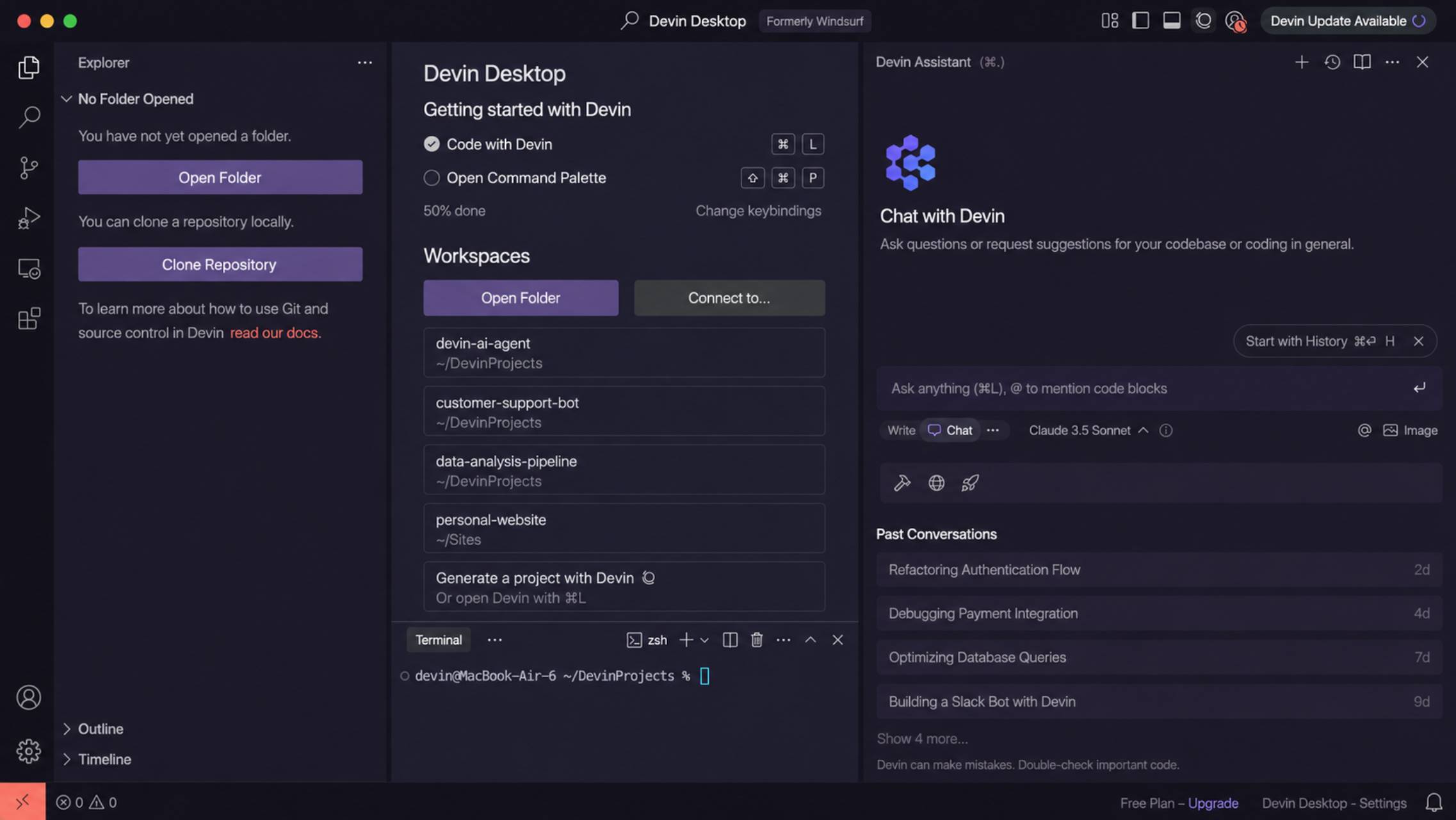
Windsurf, the AI-native code editor originally built by Codeium, was acquired by Cognition (maker of the autonomous agent Devin) in mid-2025 for roughly $250 million, following a separate technology-licensing deal in which Google paid to bring over much of Windsurf’s leadership team. On June 2, 2026, Cognition formally rebranded the product Devin Desktop, though most developers still search for it as Windsurf, and its pricing page now lives at devin.ai.
What it does best
Devin Desktop’s agentic engine, Cascade, plans multi-file edits, runs terminal commands, and iterates on its own output with relatively little hand-holding. It also supports parallel multi-agent sessions using Git worktrees, so multiple branches of work can proceed simultaneously without collisions.
Key features
-
-
- Cascade agent for autonomous multi-file editing and terminal execution
- Plan Mode, where the agent drafts an implementation plan before writing code
- Broadest IDE coverage of any major AI-native tool: 40+ editors including all major JetBrains products, Vim, Neovim, and Xcode
- Codemaps — AI-annotated visual maps of codebase structure
- SWE-1.5, Cognition’s proprietary fast coding model, plus cloud sessions for background development
-
Strengths
-
-
- Widest IDE/editor compatibility among AI-native tools, useful for teams with mixed editor preferences
- Cascade’s agentic workflow is consistently rated among the strongest in the category
- Price-competitive with Cursor at the Pro tier after the March 2026 pricing change
-
Weaknesses
-
-
- Pricing changed twice in quick succession in 2026 — Pro moved from $15 to $20/month in March, and the whole product was rebranded in June — creating real uncertainty about future direction under Cognition’s ownership
- The March 2026 shift from a credit pool to daily/weekly quotas was unpopular with parts of the developer community
- Long-term product direction is tied to Cognition’s broader Devin strategy, which may prioritize full autonomy over the editor experience developers came for
-
Pricing
Free, Pro ($20/month), Max ($200/month), Teams ($40/user/month), and Enterprise (custom). Tab-completion is unlimited on all plans. Annual billing saves roughly 17%.
Best for
Developers who want one of the most capable autonomous multi-file agents available and need it inside an unusual editor (JetBrains, Vim, Xcode) rather than a VS Code fork exclusively.
Not ideal for
Teams that want long-term pricing and roadmap stability — two structural changes in three months is a legitimate reason for caution — or anyone who specifically wants to avoid being folded into a fully autonomous agent product over time.
Our verdict
Cascade remains genuinely excellent, and the IDE coverage is unmatched among AI-native editors. The rebrand and repeated pricing changes are the real risk here: this is a strong tool attached to a company whose roadmap is visibly in motion.
6. OpenAI Codex — Best for ChatGPT-Centric Teams
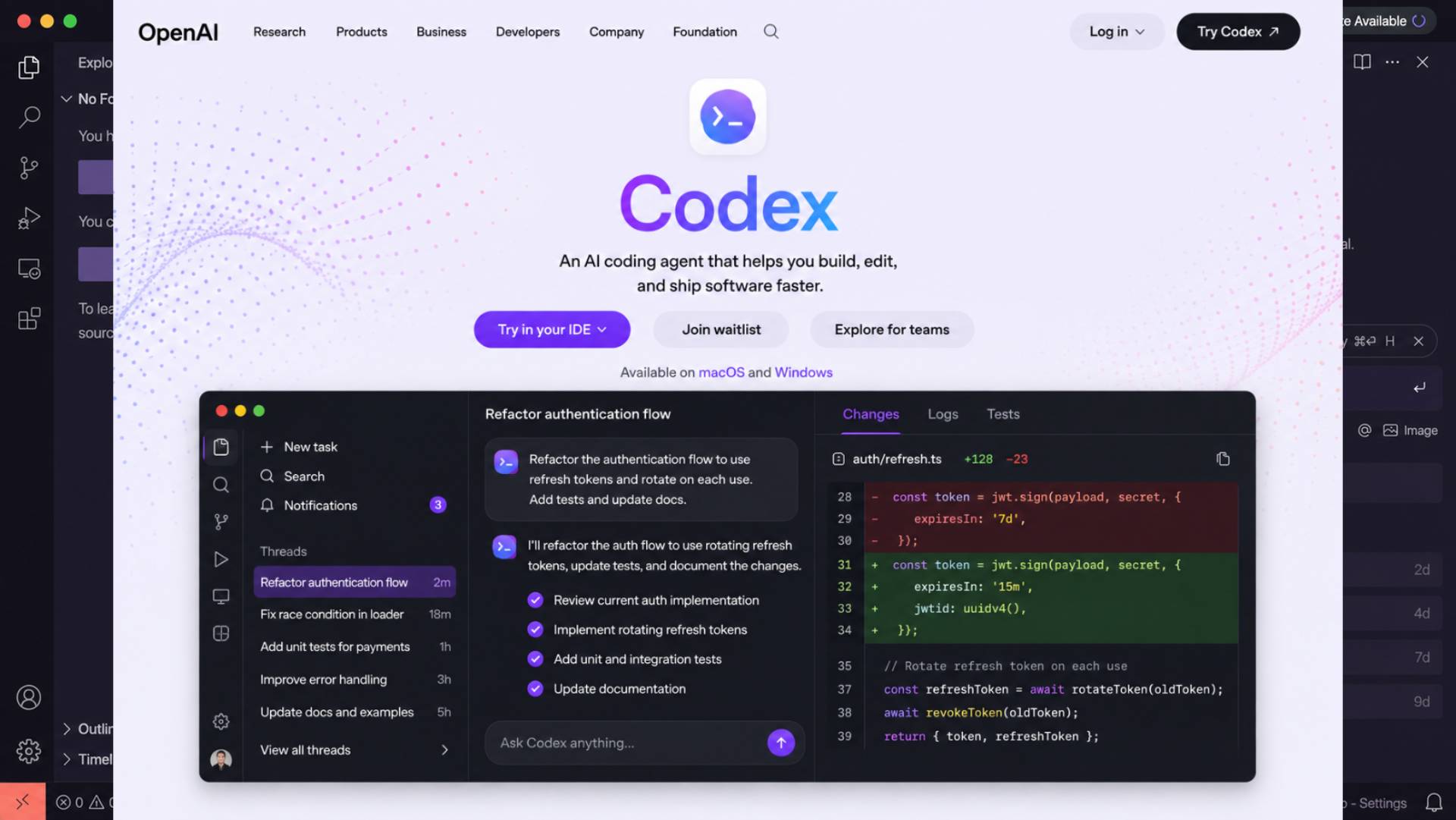
OpenAI Codex — not to be confused with the original 2021 Codex model that powered early GitHub Copilot and was deprecated in 2023 — is a cloud-based autonomous coding agent bundled into ChatGPT subscriptions. You delegate a task, Codex works in an isolated sandbox for anywhere from minutes to hours, and it reports back with a diff, logs, and cited test results.
What it does best
Codex is built for delegation rather than pair-programming: it’s strongest when you can hand off a well-scoped task and let it run unattended in a sandbox, then review the result, rather than co-editing in real time.
Key features
-
-
- Available on the web, as a VS Code extension, via CLI, on iOS, and (since June 2026) through Amazon Bedrock
- Isolated sandbox execution for parallel, unattended tasks across multiple projects
- Automated code review on pull requests
- Model access across the GPT-5 family, including the GPT-5.x-Codex variants tuned for coding
-
Strengths
-
-
- Genuinely autonomous sandboxed execution, useful for delegating well-defined tasks without babysitting the session
- Bundled into ChatGPT, so teams already paying for ChatGPT get Codex access at no extra cost
- Flexible authentication: sign in with ChatGPT for subscription billing, or use an API key for pure pay-per-token billing
-
Weaknesses
-
-
- Not sold standalone — like Claude Code, you’re buying a ChatGPT tier, and Codex draws from that plan’s shared usage allowance
- April 2026’s move to token-based credit billing makes usage harder to predict up front, even though OpenAI says typical costs fell for lighter tasks
- OpenAI’s own published guidance puts realistic spending for power users at $100–200/month, well above the advertised entry price
-
Pricing
Bundled into ChatGPT: Free (limited), Go ($8/month), Plus ($20/month), Pro ($100/month for 5x Plus usage, $200/month for 20x), Business (~$20–25/user/month, annual vs. monthly), Enterprise and Edu (custom). An API key bypasses ChatGPT plans entirely and bills per token at standard OpenAI API rates.
Best for
Teams and individuals already standardized on ChatGPT who want to delegate discrete coding tasks to a sandboxed agent, and developers who prefer working through the OpenAI model family specifically.
Not ideal for
Developers who want tight, real-time, in-editor collaboration rather than a delegate-and-review workflow, or anyone who wants predictable flat pricing rather than a token-metered allowance layered under a subscription.
Our verdict
Codex’s sandboxed, delegate-and-return model is a genuinely different interaction pattern from Cursor or Copilot’s in-editor style, and it’s a strong fit for teams that think in terms of assigning tasks rather than pairing. Its value is tightly coupled to how much you’re already using ChatGPT.
Developers comparing AI Coding Tools for Beginners should consider how much setup and technical knowledge each platform expects. Tools built around autonomous agents and terminal workflows can be powerful, but simpler environments may be easier for new users who are still learning how to build, test, and manage complete projects.
7. Cline — Best Free Open-Source Option
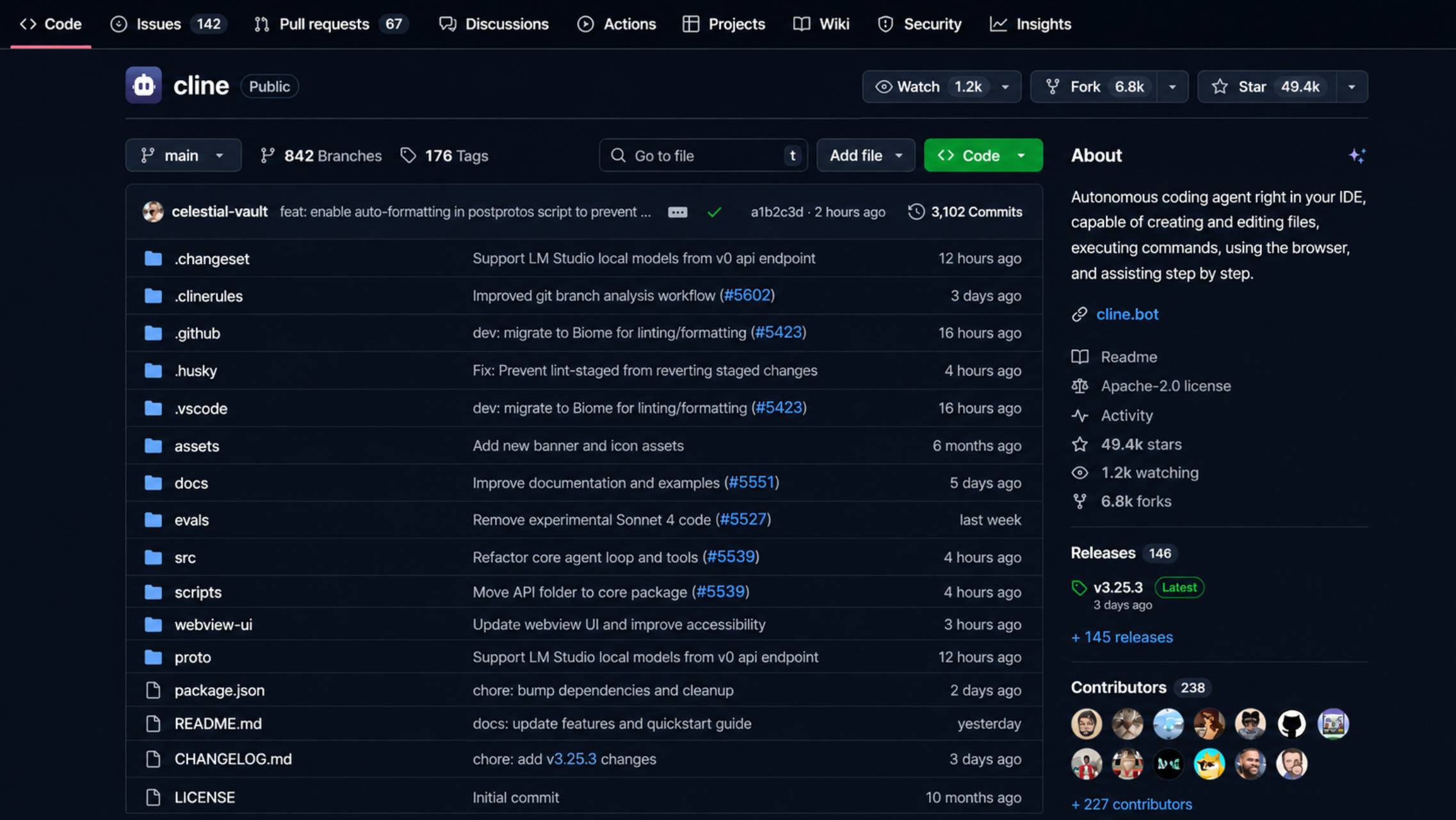
Cline (formerly Claude Dev) is a free, open-source, Apache-2.0-licensed autonomous coding agent that runs as a VS Code extension, a CLI tool, and an SDK. It passed 1.5 million VS Code Marketplace installs in 2026 and has one of the largest communities of any agentic coding extension.
Among open-source Developer AI Tools, Cline stands out for giving users more control over the models they use and the actions an agent takes. Its approval-based workflow makes it particularly useful for developers who want AI assistance without allowing an agent to make unchecked changes across a project.
What it does best
Cline’s defining trait is transparency: rather than silently applying changes, it proposes each file edit and terminal command and waits for explicit approval before proceeding, showing a diff preview at every step. For developers who want agentic power without ceding full control, that’s a meaningful trust advantage over tools that act first and show you after.
Key features
-
-
- Plan Mode and Act Mode, separating “figure out what to do” from “actually do it”
- Bring-your-own-key model support across Anthropic, OpenAI, Google, AWS Bedrock, Azure, OpenRouter, and more
- Model Context Protocol (MCP) support for adding custom tools
- Optional hosted pay-as-you-go inference credits for teams that would rather have one bill than manage provider keys
- Enterprise tier (custom pricing) adding SSO, an SLA, and a JetBrains extension
-
Strengths
-
-
- The extension itself costs nothing, and there’s no vendor lock-in on which model powers it
- Human-in-the-loop approval model makes it one of the more auditable agentic tools, useful for regulated environments
- Genuinely large, active open-source community
-
Weaknesses
-
-
- You pay your model provider directly, and agentic workflows are token-hungry — a single “implement this feature” request can trigger many API calls as the agent reads files, plans, writes, and tests, so real-world cost is variable and can range from a few dollars to over $100 a month depending on usage
- The approval-at-every-step model is slower than fully autonomous tools by design — a deliberate trade-off, not a bug, but worth knowing going in
- No official plugin outside VS Code and JetBrains-adjacent workflows in the way Copilot or Windsurf cover a wider IDE spread
-
Pricing
The Cline extension is free (Apache-2.0). You pay only for model inference through your own API keys, or optionally through Cline’s hosted pay-as-you-go credits. Enterprise tier is custom-priced.
Best for
Developers who want a capable, transparent agentic coding tool with zero licensing cost and full control over which model does the reasoning, and teams in regulated environments that need an auditable, approval-gated workflow.
Not ideal for
Developers who want a single predictable monthly bill rather than variable, usage-based model costs, or anyone who wants the fastest possible fully autonomous agent rather than one that pauses for approval at each step.
Our verdict
Cline is the strongest free option for developers who want real agentic capability with real transparency, and its BYOK model means you’re never locked into one vendor’s roadmap or pricing decisions. The trade-off — approval friction and variable inference costs — is a reasonable price for that control.
8. Amazon Q Developer → Kiro — Best for AWS-Native Teams
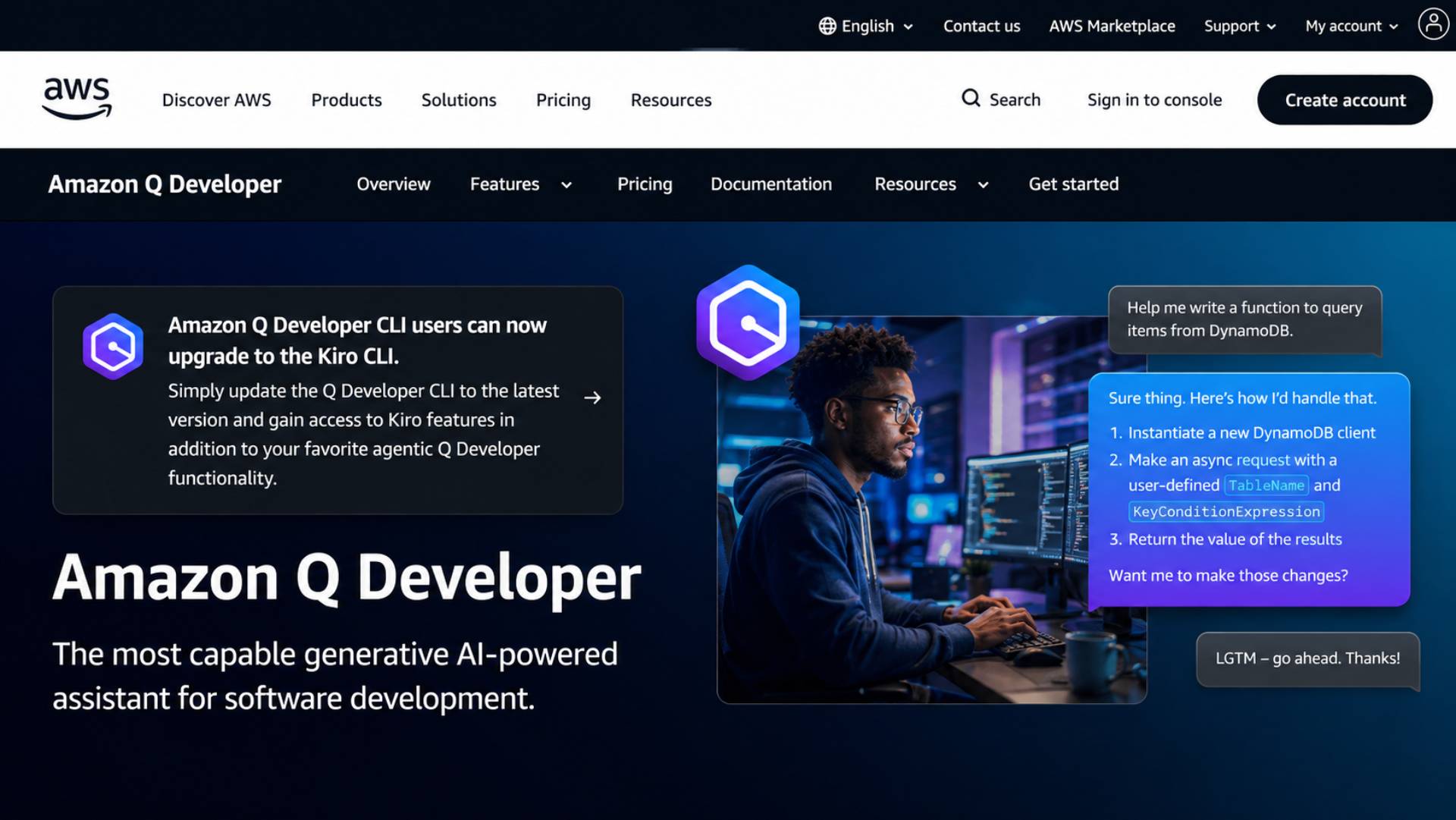
This entry comes with an important caveat: Amazon Q Developer, AWS’s original AI coding assistant, is being retired. New signups closed on May 15, 2026, and existing IDE plugins and subscriptions reach full end-of-support on April 30, 2027. AWS’s official successor is Kiro, a rebuilt agentic IDE around “spec-driven development” — the agent writes a structured specification before generating any code, rather than jumping straight to autocomplete-style suggestions. New adopters should evaluate Kiro directly rather than starting on the tool being phased out.
What it does best
Kiro’s spec-first workflow — turning a plain-English feature request into structured requirements and design documents before implementation — is a genuinely different approach from every other tool on this list, and it’s aimed at reducing the drift between what was asked for and what got built. Deep native integration with AWS services (CloudFormation, Lambda, IAM) carries over from Q Developer.
Key features
-
-
- Spec-driven workflow: structured requirements and design documents generated before code
- Built on Claude models via Amazon Bedrock
- Native AWS service awareness for infrastructure-heavy projects
- Per-prompt credit visibility, showing task cost as you work rather than only after hitting a limit
- Legacy Q Developer still functions for existing subscribers through the transition window, including code transformation and security scanning features
-
Strengths
-
-
- Spec-driven development can meaningfully reduce miscommunication on complex features, especially for teams that already write requirements docs
- Strong fit for AWS-heavy engineering organizations
- Access to newer Claude models (Opus 4.6 and later) is exclusive to Kiro, not the legacy Q Developer product
-
Weaknesses
-
-
- The Q Developer → Kiro transition is a real migration burden for existing teams, on a fixed AWS-driven timeline rather than one the customer controls
- Kiro’s credit-based Pro plan reportedly delivers fewer raw requests per dollar than Q Developer did at the same price point
- Outside the AWS ecosystem, there’s limited reason to choose this over Cursor, Copilot, or Claude Code directly
-
Pricing
Kiro: Free tier (roughly 50 agentic interactions/month), Pro (~$19–20/month for roughly 1,000 credits, split between spec-mode and lighter “vibe” requests). Legacy Amazon Q Developer (existing subscribers only): Free tier (50 agentic requests/month), Pro ($19/user/month).
Best for
Teams deeply embedded in AWS infrastructure who value structured, spec-first development and want an agent that understands their cloud environment natively.
Not ideal for
New developers with no AWS dependency — there’s no reason to start here over a more established general-purpose tool — or teams that need pricing and product stability, given the forced migration underway.
Our verdict
Judge this category by Kiro, not by Q Developer — the latter is on a clear path out. Spec-driven development is a legitimately interesting idea, and the AWS integration is real value for the right teams, but the migration timeline and unproven credit economics are real friction for anyone currently invested in the old product.
9. Tabnine — Best for Privacy & Regulated Industries
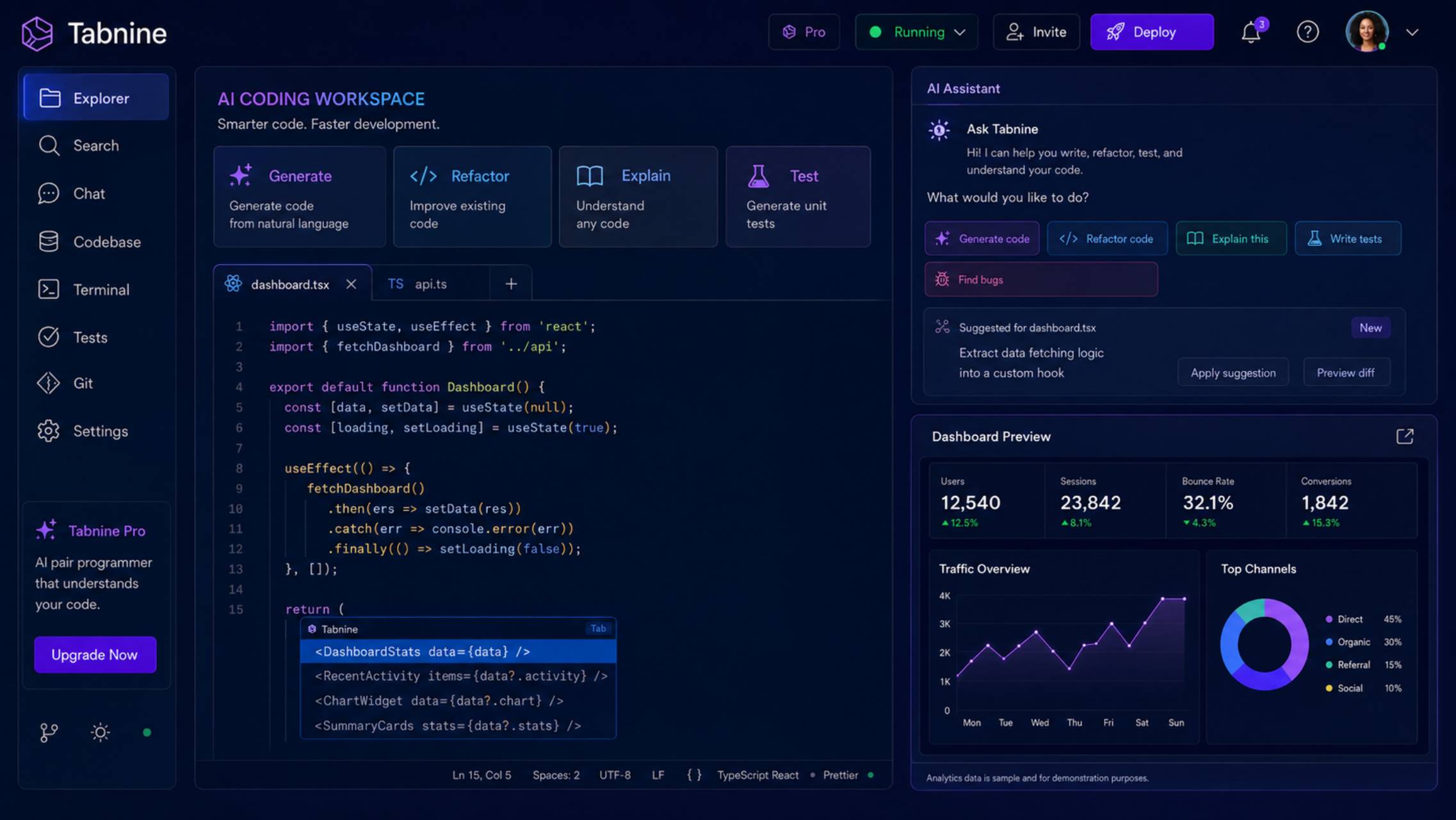
Tabnine, one of the earliest AI coding assistants (predating GitHub Copilot), completed a full pivot to an enterprise-only product. Its free and individual-developer tiers were retired, and as of 2026 it’s positioned squarely at organizations with strict data-privacy and compliance requirements.
What it does best
Tabnine’s core differentiator is deployment flexibility for privacy: SaaS, VPC, fully on-premises, or completely air-gapped, with zero code retention and a contractual guarantee that customer code is never used to train shared models.
Key features
-
-
- Four deployment modes, including fully air-gapped on-premises setups
- Enterprise Context Engine, mapping an organization’s architecture and coding standards
- Agentic Platform tier adding autonomous agents, a CLI, and unlimited codebase connections
- SSO/SAML integration and centralized admin controls
- Code Review Agent and Jira integration for multi-step SDLC automation
-
Strengths
-
-
- Among the strongest privacy and compliance postures of any AI coding tool — genuinely differentiated for regulated industries
- Deployment options (including air-gapped) that most competitors simply don’t offer
- Strong IP-protection story for organizations with strict data-handling policies
-
Weaknesses
-
-
- No free tier and no path for individual developers — this is now an enterprise-only product, priced accordingly
- Annual billing only, which raises the commitment bar before a team can properly evaluate it in production
- Code-generation quality on general tasks is generally regarded as behind the frontier models used by Cursor, Claude Code, or Copilot, since Tabnine competes primarily on control rather than raw model capability
- Self-hosted and air-gapped deployments add real infrastructure and GPU costs on top of the per-seat license
-
Pricing
Code Assistant: $39/user/month. Agentic Platform: $59/user/month. Both require annual billing; no monthly option and no free tier.
Best for
Regulated industries (finance, healthcare, government, defense) and any organization whose policy forbids sending proprietary code to external cloud services.
Not ideal for
Individual developers, startups, or any team primarily optimizing for the strongest available model or the lowest price — Tabnine is a premium, compliance-first product, not a cost or capability leader.
Our verdict
Tabnine’s privacy and deployment story is close to unmatched, and that’s worth a real premium for the organizations that need it. For everyone else, mainstream tools deliver comparable or stronger code generation at roughly half the price.
10. Replit — Best for Beginners & Full-App Building
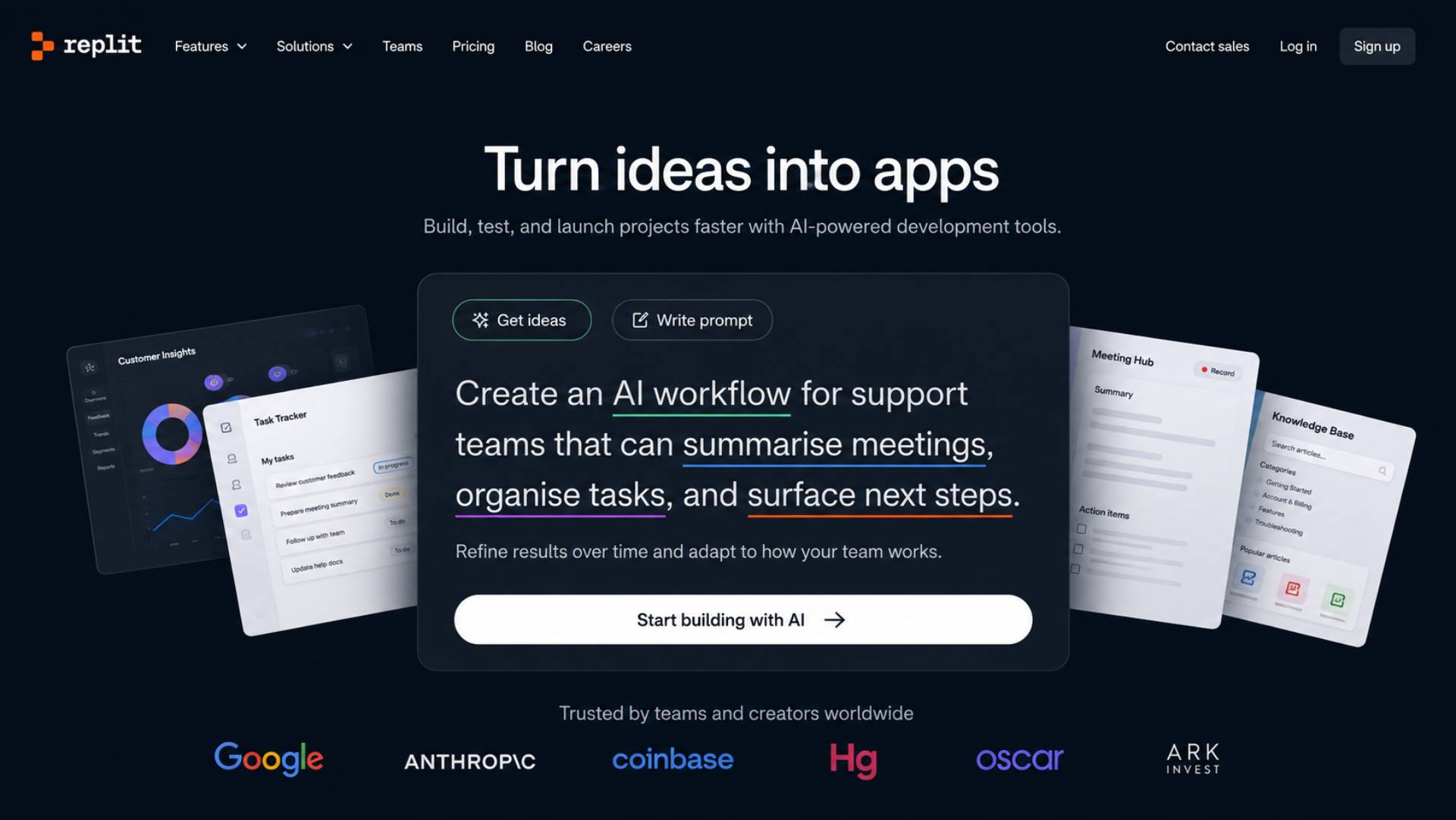
Replit is a browser-based development platform that combines an IDE, an AI agent, and one-click hosting in a single environment. Where most tools on this list assist with code inside an existing project, Replit’s Agent is built to go from a plain-language description to a deployed, working application with minimal setup.
What it does best
Replit removes almost all environment setup: no local installs, no dependency management, no separate deployment step. For someone learning to code or prototyping an idea quickly, that’s a genuinely lower barrier to entry than any editor-based tool on this list.
Key features
-
-
- Browser-based IDE with no local setup required
- AI Agent that can build and deploy a working app from a natural-language prompt
- Built-in hosting: Autoscale, Reserved VM, and scheduled deployments
- Mobile app for coding and monitoring projects on the go
- Collaboration features for small teams (up to 15 builders on the Pro/Core-team path)
-
Strengths
-
-
- Fastest path from idea to a running, hosted application, with essentially no environment setup
- Genuinely accessible for students, hobbyists, and non-professional builders
- Deployment is native to the platform rather than a separate tool you have to configure
-
Weaknesses
-
-
- The credit-based pricing model, layered under a base subscription, is one of the harder to predict on this list — Agent checkpoints, Plan Mode conversations, deployments, and third-party model calls all draw from the same credit pool, and unused credits typically expire rather than roll over
- Compute and browser-based constraints make it a weaker fit for large, serious production codebases than a local development setup
- Free tier compute (0.5 vCPU) is barely sufficient for anything beyond small scripts
-
Pricing
Starter (free): limited daily Agent credits, one published app, ~1,200 minutes of development time/month. Core: $20/month billed annually (~$25/month billed monthly), including $20 in monthly credits, up to 5 collaborators. Pro: $100/month for up to 15 builders with pooled, one-month-rollover credits (launched February 2026, replacing the old Teams plan). Enterprise: custom.
Best for
Beginners, students, and anyone prototyping an app idea who wants to go from prompt to a deployed, working product without setting up a local environment.
Not ideal for
Professional developers building and maintaining large, complex production codebases — Replit is a strong prototyping and hosting platform, not a replacement for a full local development setup with the deepest codebase-reasoning tools on this list.
Our verdict
Replit occupies a different niche than the rest of this list: it’s less about assisting an experienced developer and more about collapsing the entire path from idea to deployed app. For that specific job — especially for beginners — it has few real competitors.
The Top AI Developer Tools increasingly combine code generation, repository understanding, autonomous agents, testing, debugging, and workflow automation rather than focusing only on autocomplete.
Best AI Coding Tools by Use Case
Choosing the Best Coding Assistants for Developers should account for the wider workflow, including repository access, collaboration, file management and the platforms a team already uses.
If you want the best overall AI coding experience
Cursor. Its combination of codebase-aware agent editing and multi-model flexibility currently sets the pace for the category, even at a premium price.
If you primarily use VS Code and don’t want to switch
GitHub Copilot. It’s the only major tool built to live inside your existing editor rather than ask you to adopt a new one, and its GitHub-native features are genuinely useful if your team already lives on GitHub.
If you want the strongest agentic coding on large codebases
Claude Code. The 1M-token context window is a real, measurable advantage on big, unfamiliar, or messy repositories, not a marketing number.
If you want a free AI coding tool
Google Antigravity, for a genuinely capable free tier with model choice, or Cline, if you’d rather bring your own model and pay only for what you use.
If you are a beginner
Replit. No local environment to configure, and the fastest route from an idea to something running and shared.
If you are a professional developer working solo
Cursor or Claude Code, depending on whether you prefer a GUI-first editor or a terminal-first workflow.
If you work on large, unfamiliar, or legacy codebases
Claude Code’s context window and Cursor’s codebase indexing are the two strongest options; which one wins depends on whether you prefer terminal or editor-centric work.
The Cursor vs Copilot vs Claude Code decision largely comes down to workflow: Cursor focuses on an AI-native editor, Copilot fits existing IDEs, while Claude Code is strongest for terminal-first and large-codebase work.
If privacy or regulatory compliance is the deciding factor
Tabnine, for on-premises and air-gapped deployment with contractual no-training guarantees.
If you’re buying for a team
GitHub Copilot Business/Enterprise for the lowest switching cost and native GitHub integration, or Cursor Teams if your team is willing to standardize on a new editor for stronger agentic capability.
If your infrastructure is AWS-heavy
Evaluate Kiro directly rather than the outgoing Amazon Q Developer — spec-driven development plus native AWS awareness is a real advantage for cloud-heavy teams, with the caveat that the product is still transitioning.
AI Coding Tools Compared: Capability Breakdow
| Capability | Strongest Tool(s) | Why |
|---|---|---|
| Code completion | GitHub Copilot, Cursor | Most mature, widely tuned completion models with the largest real-world usage base |
| Multi-file agentic editing | Cursor, Claude Code, Devin Desktop (Cascade) | All three ship agent modes purpose-built for planning and executing changes across many files |
| Large / unfamiliar codebases | Claude Code | 1M-token context window materially reduces the need to manually curate what the model sees |
| Autonomous, unattended tasks | OpenAI Codex, Devin Desktop | Both are built around sandboxed or cloud execution that runs without a developer watching every step |
| Terminal-first workflows | Claude Code, Cline | Both are CLI-native (Claude Code as a terminal agent, Cline as a VS Code extension with CLI support) |
| Beginners / no local setup | Replit | Browser-based, with built-in hosting and deployment |
| Privacy / regulated teams | Tabnine | Only major tool offering fully air-gapped, on-premises deployment |
| AWS-native infrastructure | Kiro | Purpose-built spec-driven workflow with deep AWS service awareness |
| Teams already on GitHub | GitHub Copilot | Deepest native integration with GitHub issues, PRs, and Actions |
| Lowest-cost real capability | Cline | Free extension; cost is limited to model inference, which you control |
Are Free AI Coding Tools Good Enough?
It depends heavily on which “free” you mean. Google Antigravity’s free tier is genuinely capable — real agentic features, multi-model access, not a crippled trial — but it’s rate-limited and the product is still maturing. Cline is free in the sense that the tool itself costs nothing, but you pay for model inference directly, so “free” really means “you control the cost,” which for active daily use can still run $15–$120 a month depending on usage. GitHub Copilot’s free tier (2,000 completions/month, limited chat) is realistically an evaluation trial rather than something to build on long-term. Amazon’s legacy Q Developer free tier (50 agentic requests/month) was one of the more usable long-term free options, though new signups are closed; Kiro’s equivalent free tier is comparable.
For light personal projects, learning, or evaluating a tool before committing budget, free tiers across this list are genuinely useful. For daily professional work, most developers will hit real limits within the first few weeks and need to either pay directly (a subscription) or pay indirectly (model inference costs on a BYOK tool like Cline). The practical dividing line: if AI assistance is occasional, free tiers hold up. If it’s part of your daily workflow, budget for a paid tier or a metered model bill — treating “free” as a permanent professional setup usually leads to workflow interruptions right when you need the tool most.
How We Ranked These AI Coding Tools
This ranking is based on a comparison of each tool’s documented capabilities, current published pricing, supported platforms, and how each fits different developer workflows and team sizes, drawn from vendor documentation, official pricing pages, and independent reporting current as of August 2026. We did not run a standardized hands-on benchmark across all ten tools, and we’ve been explicit above about which claims (like SWE-bench-style scores) come from third-party or vendor-reported testing rather than our own use.
Rankings weighted codebase understanding and agentic reliability most heavily, since those are the factors most developers report actually changing their day-to-day productivity, followed by pricing predictability and platform/IDE fit. We deliberately excluded Continue.dev from the ranked list: Cursor’s parent company, Anysphere, acquired it in June 2026, development has ended, the GitHub repository is read-only, and the vendor’s own guidance is that nobody should adopt it today — it’s mentioned here only as a reason to look at Cline or Kilo Code instead if you were considering it.
Because pricing, product names, and even entire companies (Windsurf → Devin Desktop, Q Developer → Kiro, Gemini Code Assist for individuals → Antigravity) have changed materially in 2026, treat every price and plan name in this article as a snapshot, and re-verify on the vendor’s own pricing page before making a purchasing decision.
Are AI Coding Tools Worth It?
For most professional developers, yes — the question is which one and at what tier, not whether to use one at all. The clearest return on investment shows up on tasks that would otherwise take hours of manual effort: large-scale refactors, framework migrations, writing comprehensive test suites, and getting oriented in an unfamiliar codebase. A $20/month subscription that saves even 20–30 minutes a day pays for itself many times over for anyone billing meaningfully more than that per hour.
The calculation is less clear-cut for occasional or hobbyist use, where free tiers or a BYOK tool like Cline with light model usage may cover real needs without a recurring subscription. It’s also worth being honest about the newer credit- and token-based billing models spreading across the category in 2026: the advertised monthly price is increasingly a floor, and heavy agentic use — especially with premium models — can meaningfully exceed it. Model your actual usage pattern, not just the sticker price, before committing a team budget.
Final Verdict
Best overall: Cursor — the strongest combination of codebase reasoning, agentic editing, and model flexibility, at a premium price.
Best alternative: Claude Code — the tool to reach for specifically when the codebase is large, unfamiliar, or the task is long-horizon and agentic.
Best free option: Google Antigravity for a capable, multi-model free tier; Cline for a fully open-source, BYOK alternative.
Best for teams that don’t want to switch editors: GitHub Copilot, especially for organizations already standardized on GitHub.
Best for beginners: Replit, for the fastest path from an idea to a deployed, working application.
The most useful AI Tools for Software Development are those that fit naturally into a team’s existing workflow while providing reliable code generation, testing, review, and repository-level assistance. The right choice ultimately depends less on which tool ranks first on a list like this and more on your specific workflow: which editor you’re not willing to give up, how large and messy your codebase actually is, whether your organization has hard privacy requirements, and how much budget uncertainty you’re willing to tolerate under 2026’s newer credit-based pricing models. Several of the strongest teams we’ve seen don’t standardize on just one tool — they use Cursor or Copilot for daily editing and reach for Claude Code specifically when a task calls for deep, whole-codebase reasoning. Given how fast this market moved in the first eight months of 2026 alone, plan to revisit this decision at least twice a year.
